Why Your Checkout Process Is Losing Sales (and How to Fix It)
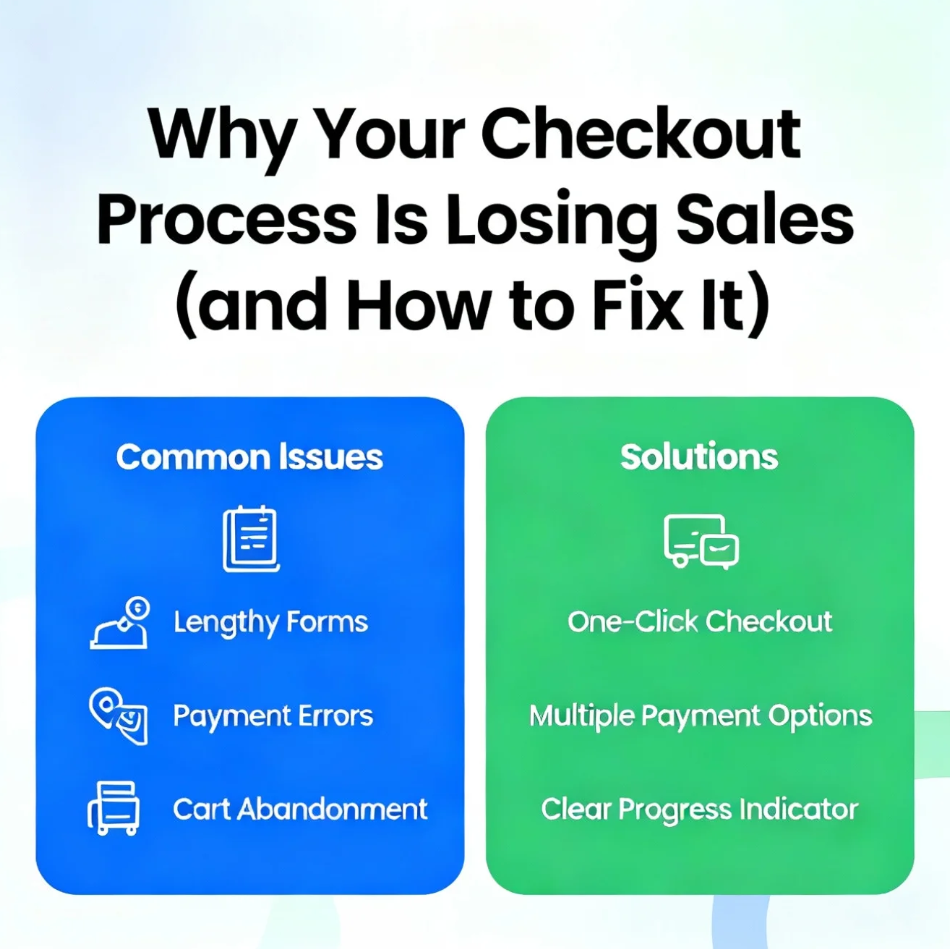
You’ve done the hard work—driving traffic, building trust, and convincing shoppers to add items to their cart. Yet many of them disappear at the final step. If this sounds familiar, your checkout process is losing sales.
Checkout abandonment is one of the most common (and costly) problems in e-commerce. The good news? Most issues are fixable once you know where friction occurs.
🛒 1. Too Many Steps Create Drop-Off
Every extra click increases the chance a customer will leave.
Common problems:
- Multi-page checkouts with unnecessary fields
- Forced account creation
- Repeating the same information multiple times
How to fix it:
- Use a single-page or streamlined checkout
- Offer guest checkout
- Remove non-essential fields
Less effort equals higher completion rates.
⏱️ 2. Slow Load Times Kill Conversions
Speed matters—especially at checkout.
If your checkout pages load slowly:
- Users lose confidence
- Mobile shoppers abandon instantly
- Trust signals disappear
How to fix it:
- Optimize images and scripts
- Use fast, reliable hosting
- Test checkout speed regularly
Even a one-second delay can significantly impact sales.
💳 3. Limited Payment Options Turn Customers Away
Not everyone wants to pay the same way.
Common mistakes:
- Only offering credit/debit cards
- Missing local or regional payment methods
- No mobile wallets
How to fix it:
- Add digital wallets (Apple Pay, Google Pay)
- Support Buy Now, Pay Later (BNPL) options
- Include region-specific payment methods
More choice = fewer abandoned carts.
🔐 4. Lack of Trust Signals Raises Red Flags
Checkout is where trust is tested.
If shoppers don’t feel secure, they won’t proceed.
How to fix it:
- Display SSL/security badges
- Use clear privacy and return policies
- Avoid unexpected redirects
Reassurance at checkout is just as important as product quality.
📱 5. Poor Mobile Experience Costs Sales
Mobile commerce dominates—but many checkouts still aren’t mobile-friendly.
Common issues:
- Tiny buttons and form fields
- Difficult typing and scrolling
- Non-responsive layouts
How to fix it:
- Design mobile-first checkout flows
- Use autofill and smart keyboards
- Keep CTAs large and visible
Mobile optimization is no longer optional.
💸 6. Surprise Costs Cause Last-Minute Abandonment
Unexpected fees are the #1 reason shoppers leave at checkout.
How to fix it:
- Show shipping and taxes early
- Offer free shipping thresholds
- Be transparent with pricing
No surprises = more completed purchases.
🔮 Final Thoughts: Fix the Friction, Save the Sale
If your checkout process is losing sales, it’s rarely one big problem—it’s a series of small frictions adding up. By simplifying steps, improving speed, expanding payment options, building trust, optimizing mobile, and removing surprises, you can dramatically improve conversion rates.
A great checkout experience doesn’t just close sales—it builds loyalty.









Post Comment